The "Overview" tab shows the current total liquidity of the DEX and many other useful information.
Liquidity
24-hour Volume
Top Tokens
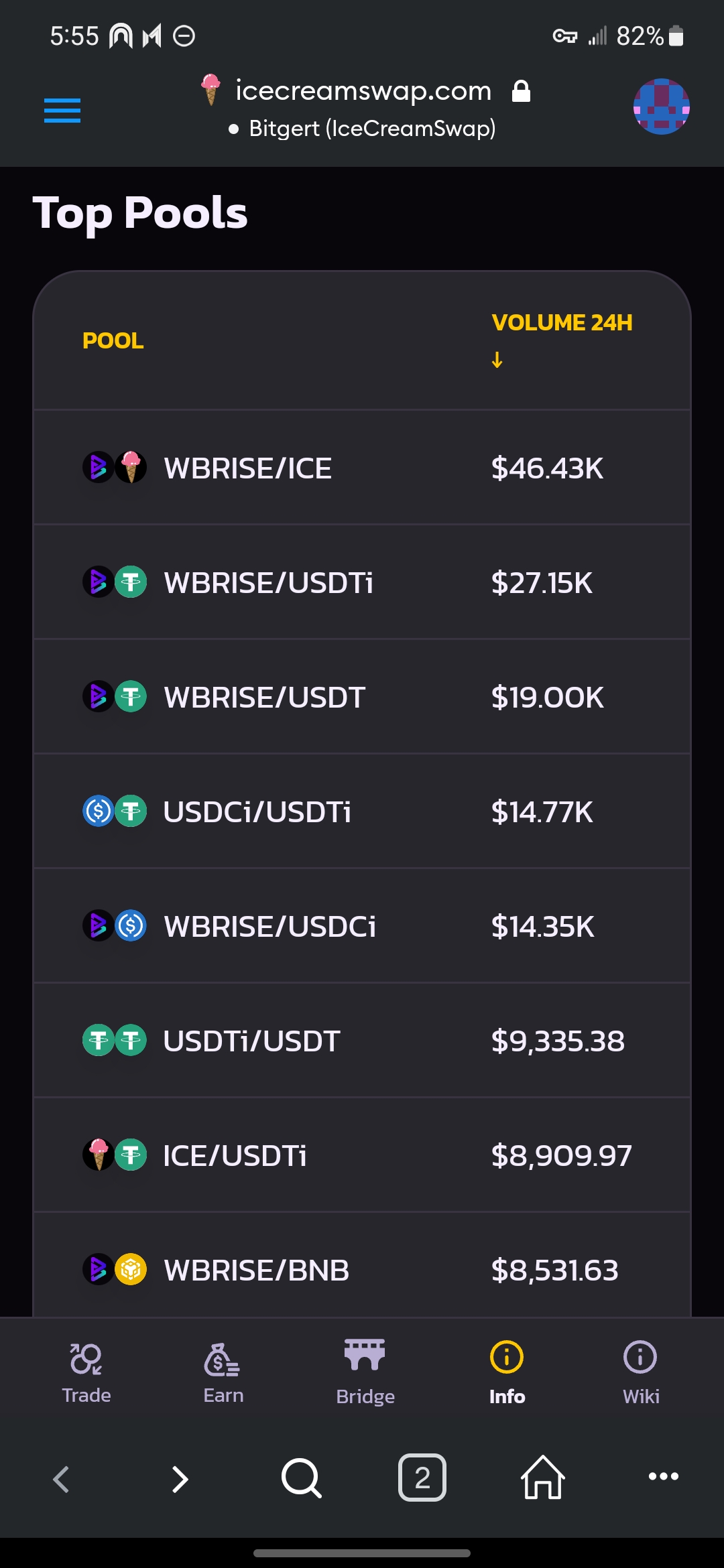
Top Pools
Transactions
Pools Tab
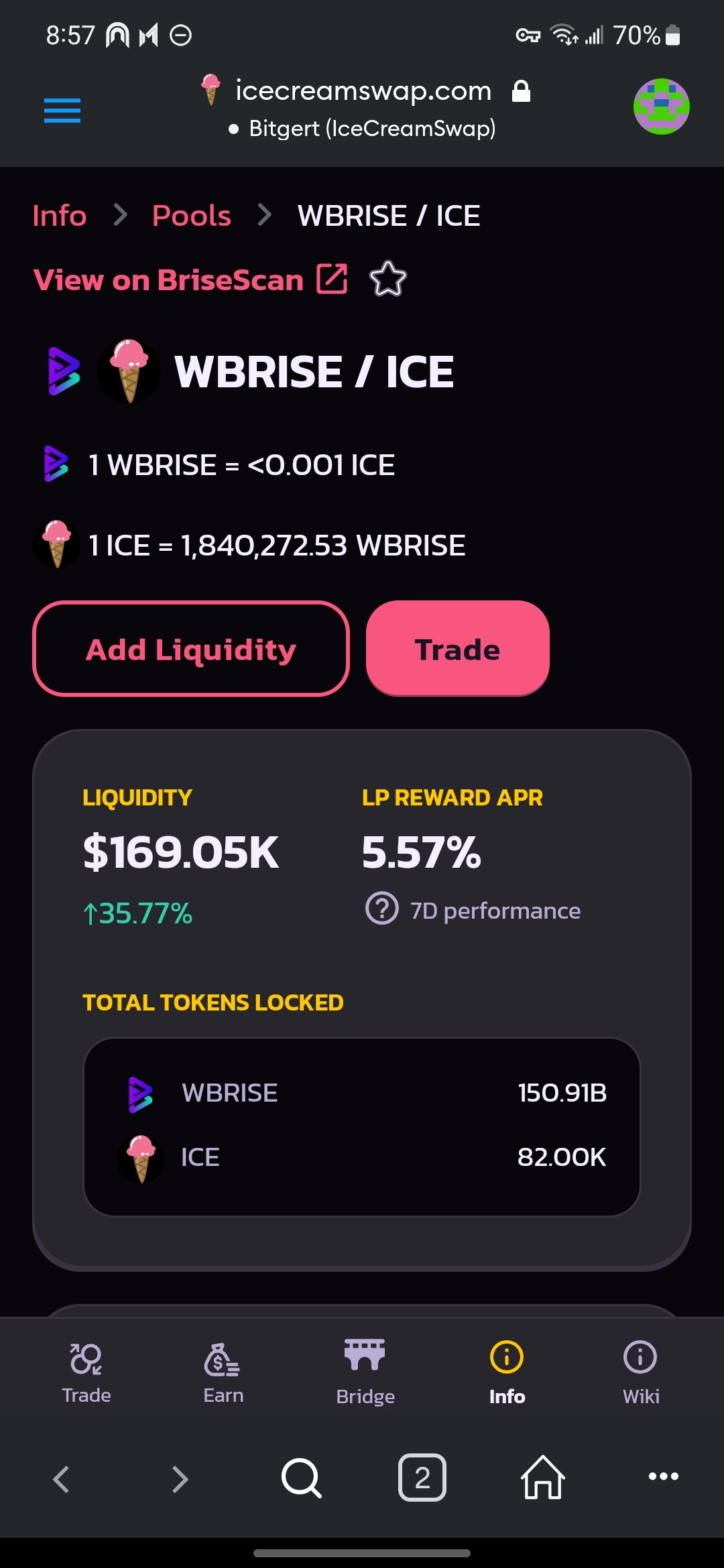
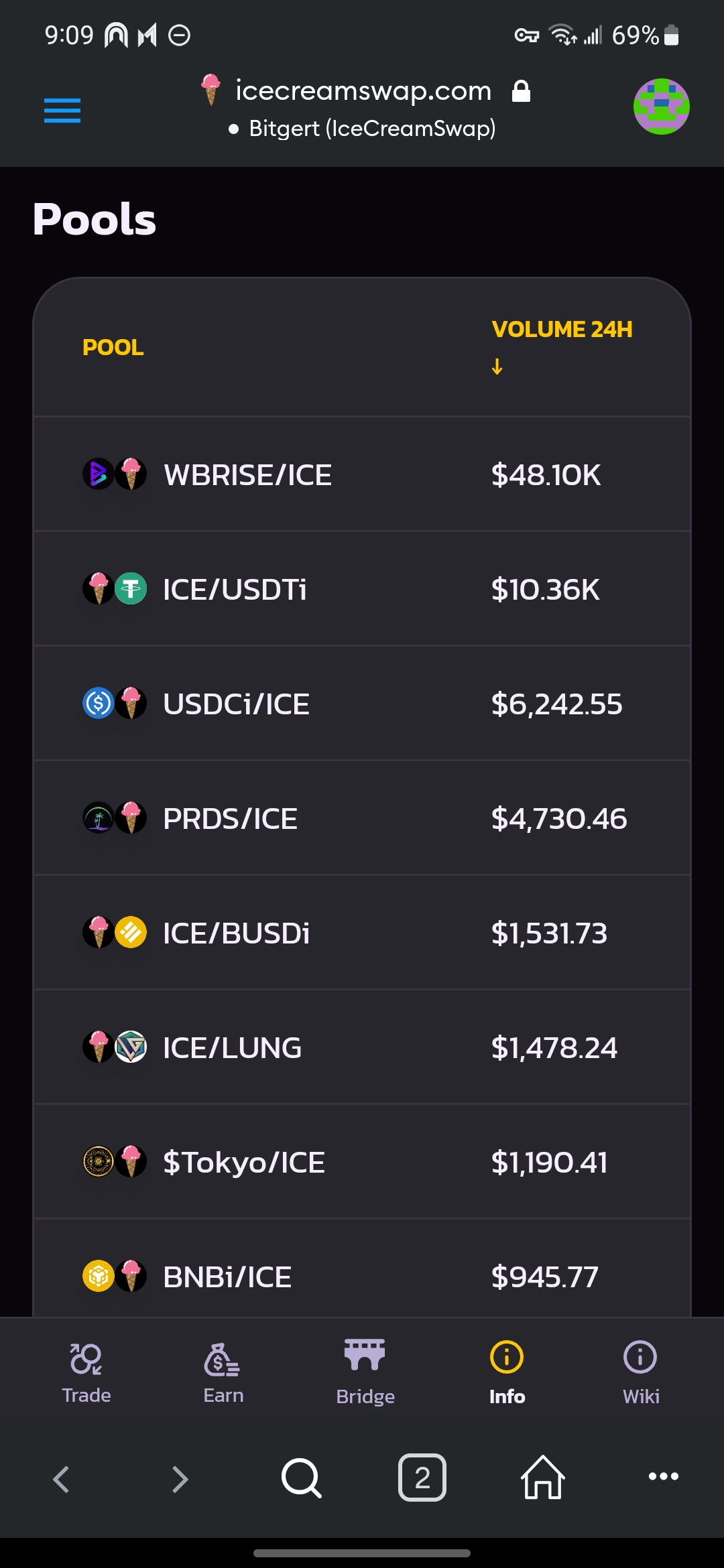
The "Pools" tab shows all pools ordered by 24-hour volume. Click a specific pool (e.g., WBRISE/ICE) will show more details such as volume, liquidity, and transactions about that pair.
You can directly "Add Liquidity" or "Trade" on the page.
All pools
The WBRISE/ICE pool
24H/7D Volume/Liquidity of the WBRISE/ICE pool
Transactions of the WBRISE/ICE pool
Tokens Tab
The "Tokens" tab shows all tokens ordered by 24-hour volume. Click a specific token name (e.g., ICE) will show more details including price, volume, and liquidity as well as pools and transactions involving that token.
You can directly "Add Liquidity" or "Trade" on the page.